SFTP file manager
Local and remote panes side by side, streamed transfers with progress, and quick edit with ⌘S.
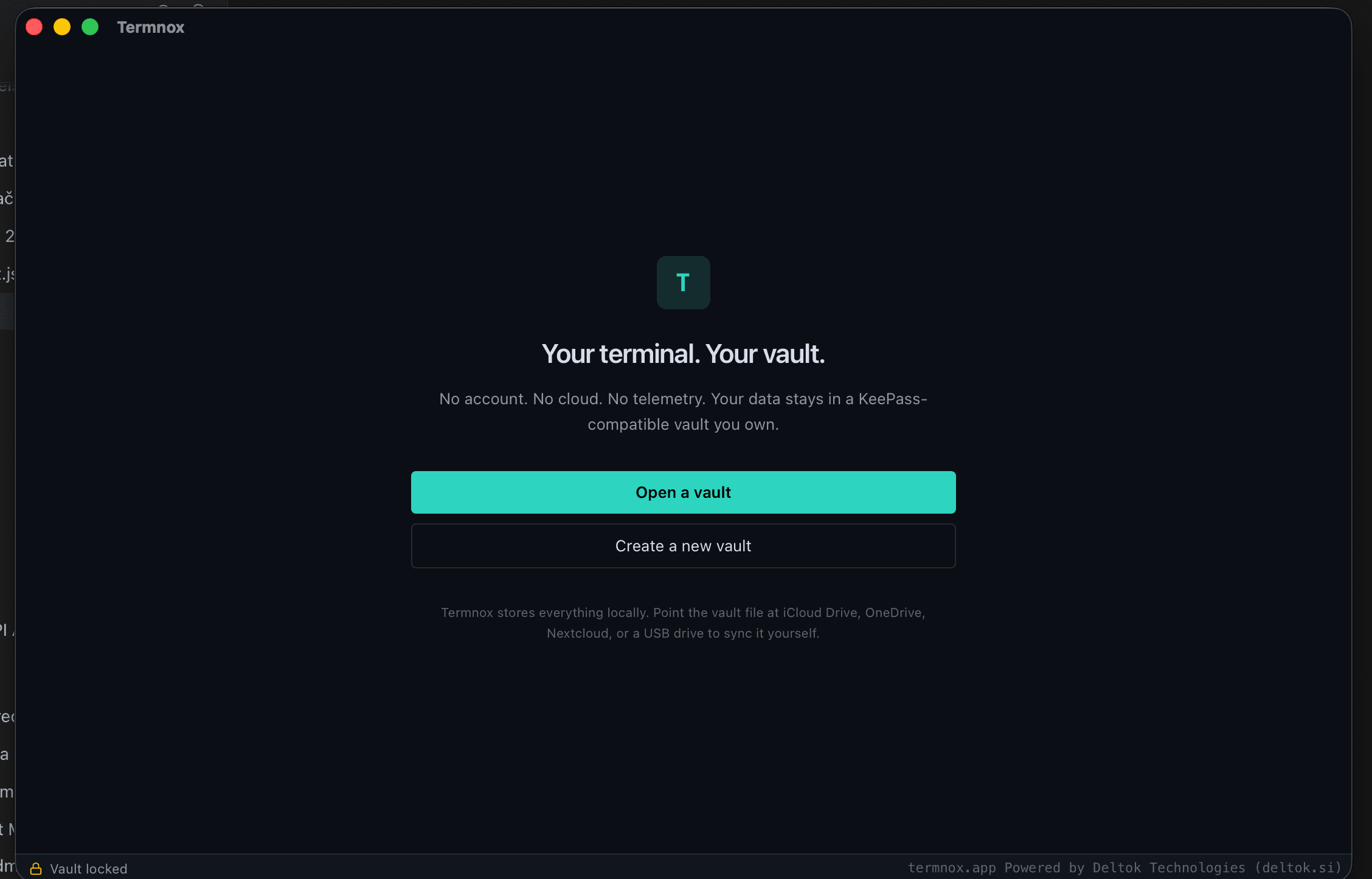
One private workspace for terminals, SSH, SFTP, tunnels, credentials, and network tools. No account. No mandatory cloud. No telemetry.
Built for macOS first. Windows and Linux are next.
Your secrets stay yoursCredentials live in your KeePass-compatible KDBX vault.
Bring your own syncUse iCloud, OneDrive, Dropbox, a NAS, or none.
Remember every sessionEncrypted command history and replayable recordings.
Termnox brings the daily tools of infrastructure work into one fast desktop application—without moving ownership of your data to someone else.
Open local terminals, connect over SSH, Mosh, Telnet, or a serial port, arrange tabs and split panes, and move between environments without losing context.
Last login: Today at 09:42
tim@production-api:~$ uptime
09:42:17 up 128 days, 4:31, 1 user
tim@production-api:~$ docker ps
NAME STATUS
api-gateway Up 12 days (healthy)
postgres Up 12 days (healthy)
tim@production-api:~$

Hosts, passwords, keys, snippets, notes, history, and settings live in one KeePass-compatible vault that you choose where to store.
Every command is saved to an encrypted history you can search, filter by host, and run again. Recordings replay whole sessions with their original timing.
$ docker compose pullproduction-api$ docker compose up -dproduction-api$ systemctl status nginxstaging-web$ df -h /srvhome-serverBuilt-in tools run from your computer—or from inside a saved host's network over SSH—so you can debug what your servers actually see.
80 · 443—22 · 8080SSH22 · 5000SSH22 · 53SSH631—22SSHEverything below works today in the desktop app—no plugins, no add-ons, no account.
Local and remote panes side by side, streamed transfers with progress, and quick edit with ⌘S.
Local, remote, and SOCKS tunnels per host. Start and stop each one from the terminal.
Reach private machines through a chain of bastion hosts, just like ProxyJump.
Not only SSH: roaming Mosh sessions, legacy Telnet, and serial consoles with baud selection.
Multi-step commands with {{variables}}, defaults, and built-ins like {{host}} and {{date}}.
Typed commands are saved encrypted and suggested as you type. Accept with Tab or →.
Record one session or all of them, then replay with seek and speed control.
Type once into every pane of a tab—ideal for updating several servers at the same time.
Generate Ed25519, ECDSA, or RSA keys, install them on a server, and import ~/.ssh/config.
Secure notes inside the vault, and saved workspaces that reopen all tabs and splits.
CPU, memory, and disk of the connected host, plus latency and session time in the status bar.
Seven app themes, 31 terminal schemes, per-host themes, and iTerm2 or Windows Terminal import.
A focused desktop stack keeps Termnox quick to launch, light on resources, and clear about where sensitive work happens.
The core is in place. The focus now is on getting a polished preview into your hands on every desktop platform.
Terminal, SSH, Mosh, Telnet, serial, KDBX vault, SFTP, tunnels, jump hosts, snippets, recordings, and network tools.
Signed macOS builds, then Windows and Linux packages, with the documentation to match.
Plugins, sanitized session exports, and optional AI assistance—always opt-in.
Termnox is in active development. Join the list and we’ll let you know when the first public preview is ready.